Wardogs cheats — HWID Spoofer — hardware identity tools
Separate utility product

At a glance
Key capabilities
What HWID Spoofer — hardware identity tools focuses on before you open the full module list.
Plus 9 additional modules in the customer portal—see the full list below.
Overview
HWID Spoofer for WarDogs PC bans
How this build fits ranked, Ranked, and patch-day workflows.
Use the HWID Spoofer when Easy Anti-Cheat flags your PC hardware but the EA account is still fine. Includes disk and MAC tools, a restore-point checklist, a compatibility scan and post-spoof checks.
Monthly and lifetime options are listed at secure checkout—confirm current pricing and term length before you pay. Use it when new accounts die on one PC but work on another. It does not fix account-only Easy Anti-Cheat bans. After spoofing, use a safer cheat profile before ranked matchmaking.
When you need it
Use when fresh EA accounts fail instantly on one PC but work elsewhere—classic HWID enforcement. Do not use for account-only Easy Anti-Cheat cases; see [UGC](/products/wardogs/) instead.
Full workflow
Restore point, driver cleanup, spoof application, cold reboot, identifier verification, then conservative cheat profile before ranked. Full checklist ships in the portal and in our HWID blog guide.
Modules
What's included
Every module and overlay shipped with HWID Spoofer — hardware identity tools—toggle and tune in the customer portal.
- Disk serial profile tools
- MAC address rotation
- Restore point checklist
- Compatibility scan
- Driver conflict detection
- Post-spoof verification
- Identifier diff report
- Cold reboot guide
- Portal step-by-step workflow
- Discord recovery support
Experience
In the client · After you buy
Use the screenshots above for HWID Spoofer — hardware identity tools—below is what each layer means and how access works after checkout.
In-game layers
- Layer A
Map awareness
Player awareness cues for close-quarters WarDogs fights on PC.
- Layer B
WarDogs co-op
Tactical shooter action on PC with trainer-friendly overlays.
- Layer C
WarDogs firefight
Close-quarters WarDogs combat on PC.
Guides
Learn more about HWID Spoofer — hardware identity tools
Curated articles for setup, tuning, and patch-day checks that match this listing.
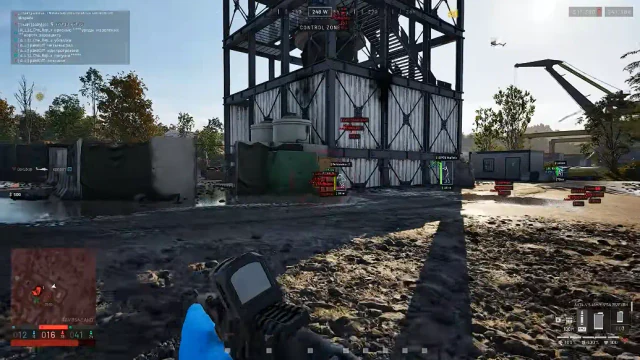
When to spoof hardware, when to start fresh, and how wardogs-cheat.net/products/wardogs/pc fits each path.
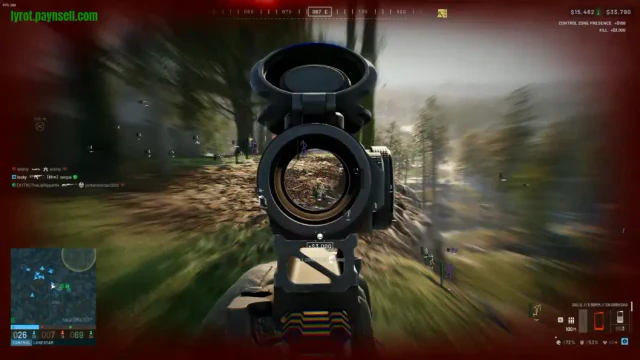
Firing Range vs Ranked: how to test aimbot and ESP in practice islands before using private ranked cheats.
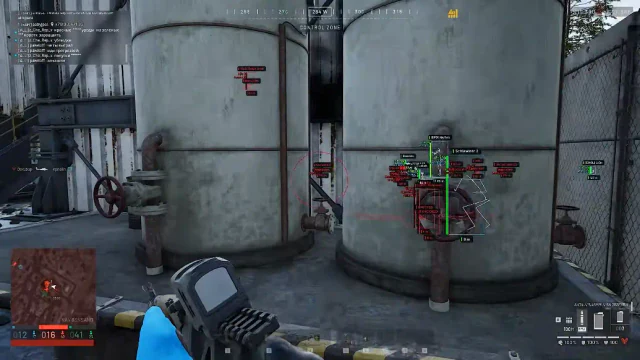
Step-by-step purchase walkthrough for Lite, Pro and Elite via our secure checkout.
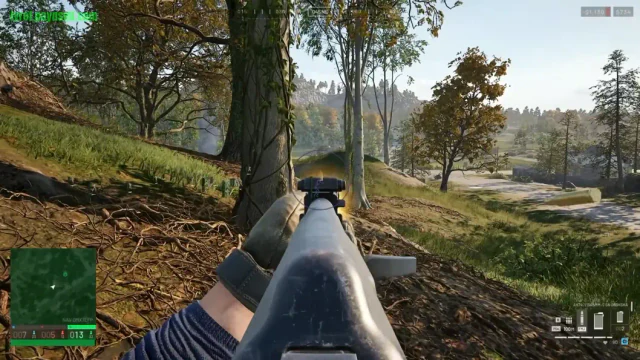
Firing Range and bot lobbies to practice aimbot smoothness, ESP ranges and loadouts before ranked matchmaking.
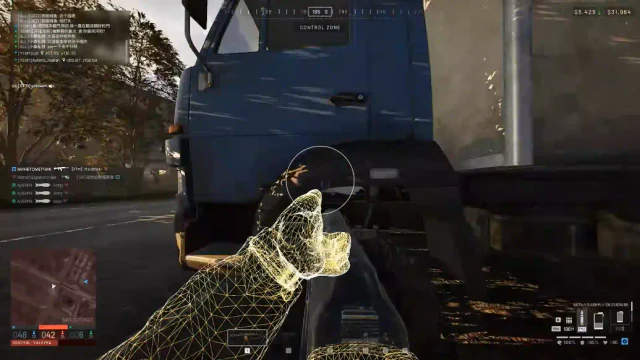
Firing Range and bot-lobby workflows to tune aimbot, wall ESP and ammo ESP before ranked matchmaking.
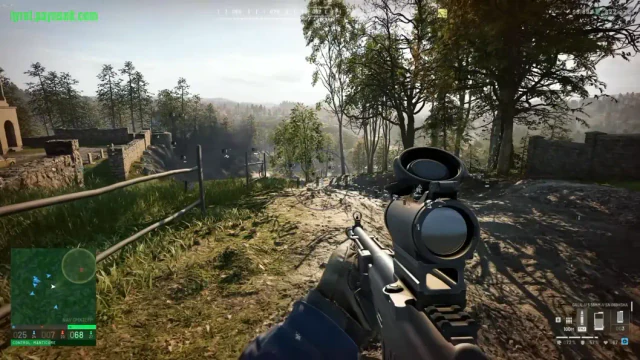
Complete guide to our PC cheats—aimbot, loot assist, loadout preview tools, radar, wall ESP and recoil control.
Compare
Compare shop listings side by side
Compare plan terms and stated purpose. Requirements, delivery, and compatibility must be confirmed from the current merchant listing.
| Attribute | WARDOGS CHEATS | HWID Spoofer | Cloud DMA | Utilities |
|---|---|---|---|---|
| Best for | WarDogs tier research — ESP, aim modules, loader setup | Separate hardware-utility research — spoof and reset workflows | Secure-boot PC builds with Cloud DMA compatibility | DMA vs HWID side-by-side before you checkout |
| Price | Confirm at checkout | Confirm at checkout | Confirm at checkout | See each utility page |
| Delivery | Confirm at checkout | Confirm at checkout | Confirm at checkout | Confirm at checkout |
| Windows | Windows 10 / 11 (64-bit) | Windows 10 / 11 (64-bit) | Windows 10 / 11 (64-bit), HVCI / TPM per listing | See each utility page |
| Security settings | Confirm at checkout | Confirm at checkout | Confirm at checkout | Confirm at checkout |
| View details: Wardogs cheat | View details: HWID Spoofer | View details: Cloud DMA | View details: utilities hub |
Cheat FAQ
Wardogs cheats questions
Straight answers on aimbot, ESP, bans and setup — see the full FAQ for every topic.